Dictation software for professionals and teams, without the training sessions
Dictation software used to mean a heavy install on one Windows PC, an hour of reading passages aloud to train it and a large one-time license. VoiceTyping works from the first sentence, runs on every device your people use, cleans up the text with AI and comes with a monthly or yearly price you can plan around.

Professional dictation that starts working in a minute
Sign in, allow the microphone, talk. No profile training, no headset setup wizard, no IT ticket to install a desktop package. Your dictionary of names and terms makes it more accurate from the first day.
How VoiceTyping compares with the other kinds of dictation software
| Built-in dictation (Apple Dictation, Windows Voice Typing) | Classic desktop dictation software (such as Dragon) | VoiceTyping | |
|---|---|---|---|
| Setup | Already on the device | Install on each PC, voice training | Sign in and talk |
| Devices | One operating system each | Mainly Windows | Mac, Windows, Linux, ChromeOS, iPhone, Android in the browser and as an installed web app |
| Fillers and false starts | Typed as spoken | Typed as spoken | Removed by AI cleanup |
| Punctuation | Partial | Spoken commands such as "comma" | Added automatically |
| Tone for email, chat, documents | None | None | Styles per app |
| Custom vocabulary | Limited | Yes, per installed profile | Personal dictionary, shared team dictionary |
| Price at the time of writing | Included with the device | About 700 USD one-time for a professional edition | From 7 USD a month billed yearly |
Classic desktop tools still suit people who run full voice control of their PC. If what you need is clean text for email, chat and documents, an AI dictation layer gets you there with less setup. More comparisons are on best dictation software and Dragon alternative.
Made for people whose work is writing
- Consultants and agency staff writing proposals, reports and client emails
- Sales teams writing follow-ups and CRM notes after calls
- Support teams answering tickets in a consistent tone
- Managers writing reviews, updates and summaries
- Founders clearing the inbox between meetings
Each person gets styles for Email, Chat, Document and Notes, voice commands for editing and a dictionary for the names they use daily.
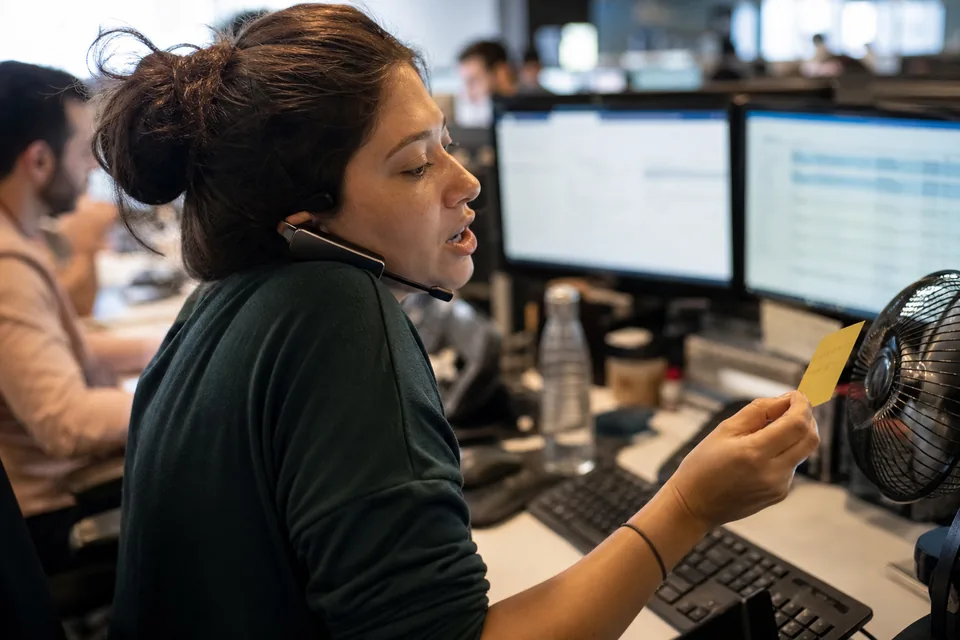
One dictionary, one set of styles, one invoice
On the Team plan, an admin adds product names, client names and internal terms once, and every seat spells them the same way. Shared styles keep tone consistent across support or sales. Seats are added or removed from one admin page, and removing a member cuts access right away.
- Shared team dictionary and shared styles
- Admin and member roles
- Central billing with invoices for the company
- Per seat usage report
- Remove member access instantly
Everything about rollout and admin is on dictation software for teams.
What your team sends after a call
| What you said | What VoiceTyping typed |
|---|---|
| ok so follow up for Acme um they want the uh the annual plan but need sign off from finance by the end of the month | Follow-up for Acme: they want the annual plan but need sign-off from Finance by the end of the month. |
| hi Jordan thanks for the call today um as discussed I'll send the the proposal tomorrow morning | Hi Jordan, thanks for the call today. As discussed, I'll send the proposal tomorrow morning. |
Privacy your team lead can sign off on
Audio is processed to produce text and deleted right after transcription. It is never used to train models. Text history is encrypted at rest, each person can switch history off, and all data can be deleted in one click. Data is not sold and the site uses only essential cookies. Full detail is on privacy and security.
Predictable cost per person
Personal is 15 USD a month, or 7 USD a month billed yearly (84 USD per year), with 400 AI minutes. Pro is 29 USD a month, or 14 USD a month billed yearly (168 USD per year), with 900 AI minutes. Team is 49 USD per seat a month, or 24 USD per seat a month billed yearly (288 USD per seat per year), from 3 seats, with 1,500 AI minutes per seat and a 120 minute daily cap per seat. Yearly billing saves 50%.
FAQ
Do I need to train the software on my voice?
No. VoiceTyping works from the first sentence without reading passages aloud. Adding your names and terms to the dictionary is the only setup that improves accuracy.
Can I move from classic desktop dictation software?
Yes. Export your custom word list from your current tool, add the names and terms to your VoiceTyping dictionary and start dictating in the browser on any device.
Does it control my whole computer by voice?
No. VoiceTyping is built for writing: it turns your voice into clean text in the web app and, through the extension for Chrome and Edge, in any text field on the web. It does not replace full voice control of the operating system.
How do invoices work for a company?
On the Team plan, billing is central and the company receives invoices for all seats. Admins add or remove seats and see usage per seat.
Can I cancel?
Yes, any time. Access runs to the end of the paid period. Payments are final, with exceptions only for a double charge, a proven unauthorized charge or a total service failure.
Test it on a real work sentence
Say the follow-up you need to send next and see what your team would get.