Dictation software for teams that spells your names right
VoiceTyping Team gives everyone on your team AI voice typing with one shared dictionary of product, client and brand names, shared styles for email and chat, and one bill for the company. Your people talk, and the text that goes out is clean, consistent and on brand.
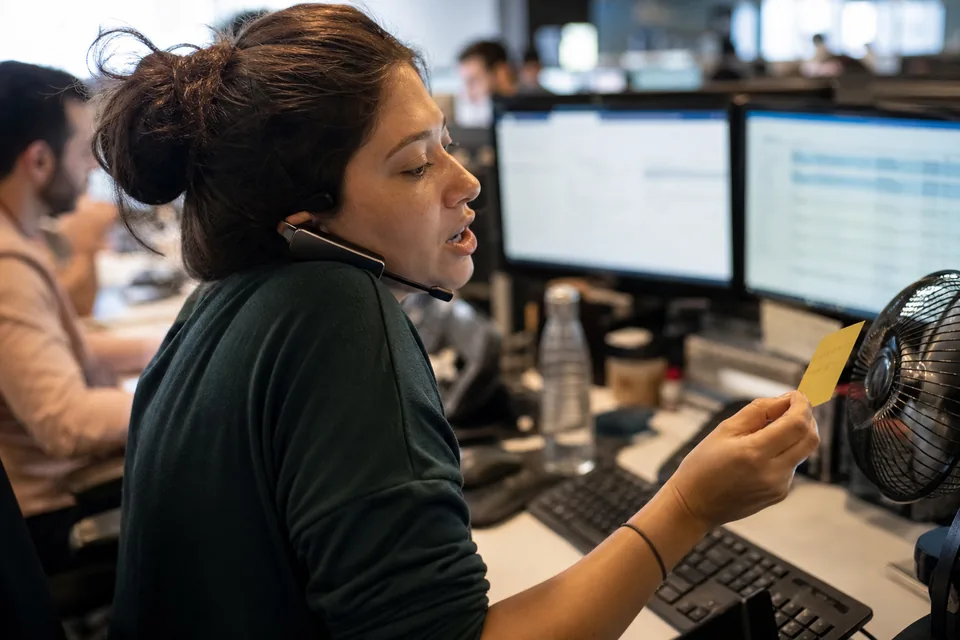
Everything in Pro, plus team controls
- Shared team dictionary, so product names, client names and jargon are spelled the same for everyone.
- Shared styles, so replies to customers follow one tone across the team.
- Admin seat management. Add and remove seats when your team changes.
- Roles for admin and member.
- Remove a member's access instantly when someone leaves.
- Central billing with invoices for the company.
- Per seat usage report, so you see how many AI minutes each seat uses.
- 1,500 AI minutes per seat per month, with a daily cap of 120 minutes per seat.
- Everything in Pro for each seat: custom styles, a large personal dictionary, unlimited snippets, translate while dictating, unlimited history with search, export to TXT, DOCX and CSV, and priority support.
Simple per seat pricing
| Monthly billing | Yearly billing | |
|---|---|---|
| Price per seat | 49 USD per month | 24 USD per month (288 USD per seat per year) |
| Minimum | 3 seats | 3 seats |
| AI minutes | 1,500 per seat per month | 1,500 per seat per month |
| Daily cap | 120 minutes per seat | 120 minutes per seat |
Yearly billing saves 50 percent. Compare all plans on voice typing app pricing.
Why talking is faster than typing
Most people type about 40 words per minute and speak about 130 to 150 words per minute. Those are general rates, not measurements from our customers. Speaking is roughly three times faster, but plain dictation leaves fillers and missing punctuation that someone has to fix. AI cleanup removes that step, so the speed gain reaches the finished text.
A simple time-saved calculation
Here is a back of the envelope estimate with every assumption stated. Replace the numbers with your own.
- Assumption one. A team member writes 1,500 words a day in emails, tickets and chat.
- Assumption two. Typing at 40 words per minute takes about 38 minutes.
- Assumption three. Speaking at 130 words per minute takes about 12 minutes, plus about 6 minutes to read and adjust the result.
- Result. About 20 minutes saved per person per day, or roughly 7 hours a month over 21 working days.
This is an estimate based on general rates, not a promise or a customer result. Your numbers depend on how much your team writes and how they work.
What you control as an admin
You decide who has a seat, which shared styles exist and what goes into the team dictionary. You see usage per seat, receive invoices for the company and can revoke access instantly.
Customer support
Agents answer tickets and chats all day. With the extension, they click into the reply field in their help desk, talk, and get a clean reply in the shared support style, with product names spelled right.
Sales
Reps send follow-ups after every call. They talk through the next steps while the call is fresh, and the email style turns it into a proper message ready for the CRM or inbox.
Managers
Managers write updates, feedback and long emails. Talking through a status update takes a few minutes, and the document style adds paragraphs and lists.
Roll out in one afternoon
- 01 Choose the Team plan and the number of seats, from 3 seats.
- 02 Invite members by email. Each member creates an account.
- 03 Ask members to add the extension for Chrome or Edge, or install the web app to their Dock, Start menu or home screen.
- 04 Fill the shared dictionary with your product names, client names and internal terms.
- 05 Set up shared styles for support replies, sales follow-ups and internal updates.
- 06 Check the per seat usage report after the first week and adjust seats as needed.

Your team's data stays under control
Audio is processed to produce text and deleted right after transcription, and it is never used to train models. Text history is encrypted at rest. Members can switch history off, and data is never sold. Read more on is voice typing private, see what each feature does on the voice typing software page, or compare us with the best speech to text software.
FAQ
How many seats do I need?
The Team plan starts at 3 seats. You can add more seats at any time, and remove seats when someone leaves.
Do AI minutes pool across the team?
No. Each seat has its own 1,500 AI minutes per month and a daily cap of 120 minutes. The per seat usage report shows each member's use.
Do we get invoices for the company?
Yes. Team billing is central, with invoices issued to your company.
What happens when someone leaves?
An admin removes their access instantly. Their seat can go to a new member or be removed from the plan.
Can members use VoiceTyping on their phones?
Yes. Members install the web app to the home screen, dictate, and copy or share the cleaned text into any app with one tap.
Can we pay monthly?
Yes. Team costs 49 USD per seat monthly, or 24 USD per seat per month billed yearly.
Give your team clean text by voice
Start with 3 seats and a shared dictionary today.