Dragon dictation software alternative with AI cleanup
Dragon has been the name in dictation for decades, and for some work it still is. VoiceTyping is built for a different job: you talk the way you normally talk, and AI turns it into clean, punctuated text for email, chat and documents, with no voice training and no setup on a single computer. Here is a fair comparison.
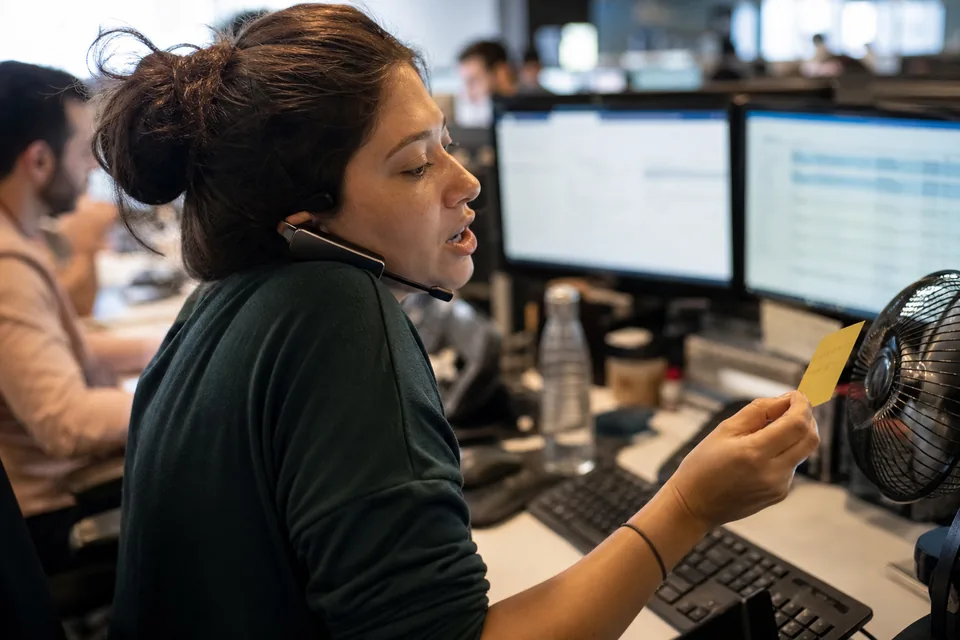
Dictate every word versus talk and get clean text
Dragon is a long-standing desktop product. It transcribes what you say, word for word, and you control punctuation and formatting with spoken commands such as "comma" and "new paragraph". It learns your voice over time and gives you deep control over a Windows desktop.
VoiceTyping works the other way around. You speak naturally, pause, restart a sentence, say "um" or change your mind, and AI cleanup removes the fillers, applies your self-corrections and adds punctuation, capitals, paragraphs and lists on its own. You think about what to say, not how to dictate it.
VoiceTyping and Dragon side by side
Facts about Dragon are as published at the time of writing and may change. Check the vendor site for current details.
| VoiceTyping | Dragon Professional | |
|---|---|---|
| Price | 15 to 29 USD monthly, or 7 to 14 USD per month billed yearly | A one-time price of several hundred USD |
| Platform focus | Browser, installed web app on Mac, Windows, Linux, iPhone and Android, extension for Chrome and Edge | Windows desktop |
| Voice training | None needed | Voice profile that improves with training |
| Punctuation | Added automatically by AI | Mostly spoken as commands |
| Filler words and false starts | Removed automatically | Typed as said unless you correct them |
| Styles for email, chat and documents | Yes | No equivalent |
| Control of desktop programs by voice | No | Yes, extensive |
| Works offline | No, needs an internet connection | Yes |
| Updates | Included in your subscription | Depends on the version you buy |
No training and no setup
With VoiceTyping there is no voice profile to build and no microphone calibration routine. Open the web app or click into a text field with the extension, hold the hotkey and talk. The first result is as clean as the hundredth.
Text you can send right away
Dictating word for word means you still edit afterwards. VoiceTyping hands you finished text: "let's meet at 3, no, at 4" becomes "Let's meet at 4." Then voice commands such as "make it shorter" or "more formal" adjust the whole result.
Every device you own
Dragon centers on one Windows computer. VoiceTyping runs anywhere a modern browser runs, including Mac, Linux and your phone, where you dictate in the installed web app and share the cleaned text into any app with one tap.
A price you know up front
Instead of a large one-time purchase, you pay a monthly or yearly subscription. Personal is 15 USD monthly or 7 USD per month billed yearly. Pro is 29 USD monthly or 14 USD per month billed yearly. Paying yearly saves 50 percent. Details are on our voice typing app pricing page.
Choose Dragon if this sounds like you
- You control your whole Windows desktop by voice, including menus, windows and desktop programs.
- You need to dictate without an internet connection.
- You rely on specialised vocabularies and macros built over years.
VoiceTyping does not try to replace full desktop voice control. It focuses on writing, and does that with less effort.
Moving from Dragon in four steps
- 01 Try the demo on our voice typing home page with a 15 second recording, no account needed.
- 02 Create your account and install the web app or the extension for Chrome and Edge.
- 03 Add your names, product terms and jargon to your personal dictionary. Pro holds up to 2,000 words.
- 04 Turn your common phrases into snippets, so saying "my signature" inserts the full text.
FAQ
Do I need to train VoiceTyping on my voice?
No. VoiceTyping works from the first recording. Speech recognition and language models handle different voices and accents without a training step.
Can VoiceTyping control Windows like Dragon does?
No. VoiceTyping is for writing. It types cleaned text into web text fields through the extension and into its own web app. It does not control desktop programs or menus.
Does VoiceTyping work offline?
No. VoiceTyping needs an internet connection to process your audio. Audio is deleted right after transcription.
Is VoiceTyping cheaper than Dragon?
It depends on how long you use it. Dragon Professional costs several hundred USD once at the time of writing. VoiceTyping Personal costs 84 USD per year when billed yearly, with updates included.
Which languages does VoiceTyping support?
English plus Spanish, French, German, Portuguese, Italian, Polish, Dutch and more, with automatic language detection.
Talk normally and see clean text
Record 15 seconds and compare it with what you are used to.