Voice to text Android dictation with clean punctuation
Talk to your Android phone and get text without fillers, with real punctuation and paragraphs. Install VoiceTyping from Chrome to your home screen, dictate in it, and share the cleaned text into WhatsApp, Gmail, Slack, Messages or any other app with one tap.
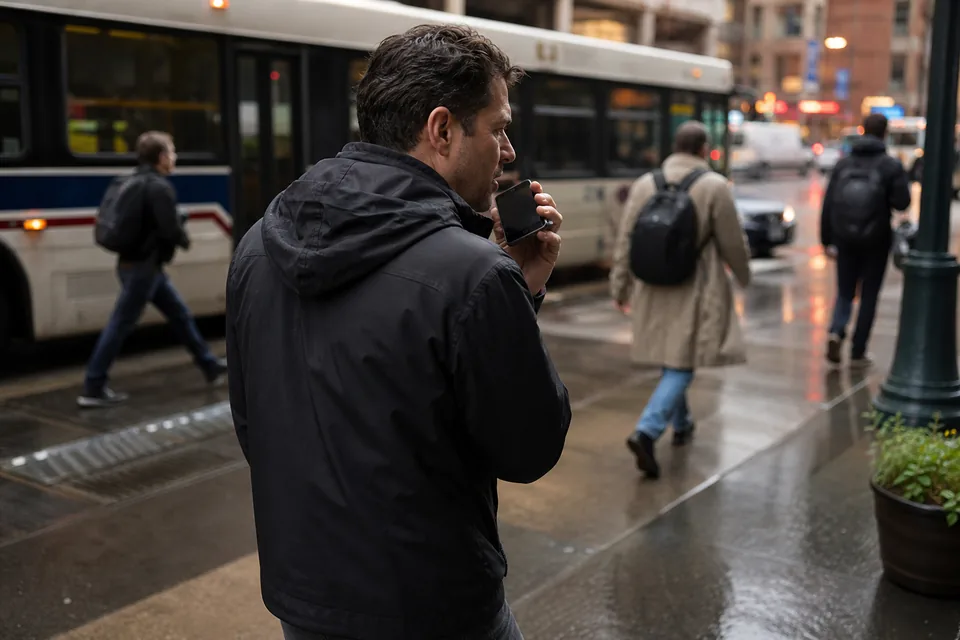
How VoiceTyping works on your Android phone
VoiceTyping is a web app you install from Chrome. It is not a keyboard and not a Play Store download, so here is how it fits into your day.
- Open VoiceTyping from its home screen icon. It runs full screen in its own window.
- Hold the mic button and talk, or tap to start and tap to stop for longer messages.
- The cleaned text appears in a second. Tap Copy, or tap Share and pick WhatsApp, Gmail, Slack, Messages or any app on your phone.
- Your styles, dictionary, snippets and history follow you to your computer, because it is the same account.
Compared with the mic on your keyboard, you switch to VoiceTyping and back. In return the text is ready to send without fixing commas and deleting "um".
Set up VoiceTyping on Android
- Create your account and open voicetyping.ai/app in Chrome.
- Tap the three dot menu, then Install app or Add to Home screen.
- Open VoiceTyping from the new icon and allow the microphone.
- Choose your default style. Chat for messages, Email for longer replies.
- Add the names, places and product terms you use to your dictionary.
- Create snippets for things you repeat, like your address or a booking link.

VoiceTyping compared with Gboard voice typing
Gboard voice typing is built into most Android phones, costs nothing extra and types right into the app you are in. It is fast and adds some punctuation, and for a quick reply it works well. For anything longer, fillers and restarts stay in, paragraphs are rare, and you cannot ask it to make a message sound more formal or more casual.
| Gboard voice typing | VoiceTyping | |
|---|---|---|
| Cost | Included with Gboard | From 7 USD per month billed yearly |
| Where you dictate | Right in any app's text field | In the VoiceTyping app, then copy or share in one tap |
| Fillers and false starts | Mostly kept | Removed |
| Punctuation and paragraphs | Some automatic punctuation | Punctuation, paragraphs and lists added for you |
| Self-corrections ("at 3, no, at 4") | Both versions typed | Only the final version |
| Tone | One output | Email, Chat, Document, Notes and custom styles |
| Your names | Personal dictionary in keyboard settings | Personal dictionary and snippets shared with your computer |
| Edit by voice | Basic commands | "Make it shorter", "more formal", "translate to Spanish" and more |
Keep Gboard for short replies. Use VoiceTyping when the message matters and you want it right the first time.
Shortcuts on your phone and computer
On Android you hold the mic button to talk and release to finish, or tap to toggle. Copying your last result again is one tap in History. On your computer, the extension for Chrome and Edge and the installed web app use keyboard shortcuts, with defaults you can change.
| Action | Windows, Linux and ChromeOS | Mac |
|---|---|---|
| Hold to talk | Alt + Shift + Space | Option + Shift + Space |
| Toggle recording | Alt + Shift + D | Option + Shift + D |
| Insert last result again | Alt + Shift + V | Option + Shift + V |
| Undo last insert | Alt + Shift + Z | Option + Shift + Z |
What people dictate on Android
- Work email from your phone in the Email style, with a greeting, clear paragraphs and a sign off.
- Chat replies for Slack, WhatsApp and Teams that read like chat.
- Field notes, site visits and call notes turned into a clean list.
- Support or sales follow-ups you would otherwise leave for later.
- Messages in English, Spanish, French, German, Portuguese, Italian, Polish, Dutch and more, with automatic language detection.
Read how AI voice typing works, see voice to text iPhone if your team uses both, and compare voice typing app pricing.
FAQ
Is VoiceTyping a replacement keyboard for Android?
No. It is a web app you install from Chrome to your home screen. You dictate inside it and share or copy the cleaned text into any app with one tap.
Do I need the Play Store?
No. In Chrome, tap the three dot menu, then Install app or Add to Home screen. VoiceTyping then opens with its own icon and window.
Which Android phones does it work on?
Any phone with a current version of Chrome and a working microphone, including Samsung, Pixel, Motorola and OnePlus phones.
Does it work offline?
No. The cleanup runs on our servers, so you need a mobile or Wi-Fi connection. A short dictation uses very little data.
How many minutes do I get?
Personal includes 400 AI minutes per month (about 55,000 words) with a 40 minute daily cap. Pro includes 900 minutes per month with a 90 minute daily cap. Team includes 1,500 minutes per seat with a 120 minute daily cap per seat.
Talk once and share clean text
Say a messy reply and see the cleaned version come back. Try it without an account, no card needed to try it. Writing on a PC too? See voice to text for Windows.