Dragon for Mac alternative for former Dragon Dictate users
Dragon for Mac was discontinued in 2018, and VoiceTyping is a paid browser replacement for writing on a Mac, starting at 7 USD per month billed yearly. It removes fillers, applies spoken corrections and adds punctuation in Safari, Chrome and Edge. It replaces the drafting part of Dragon Dictate, but does not control your Mac or type directly into native desktop apps.

A Dragon Dictate for Mac replacement for daily writing
Choose VoiceTyping if your main reason for using Dragon was getting emails, drafts and client notes onto the page. You can speak through a thought, change your mind aloud and receive cleaned text instead of a transcript that includes every restart. Email, Chat, Document and Notes styles shape the result for its destination.
VoiceTyping is a web app, not a native macOS app. The Chrome and Edge extension types into any web text field. In Safari, use the VoiceTyping window and copy the result. You can also install the web app to your Dock. For Apple Mail, Pages or Word desktop, dictate in that window and paste. There is no system-wide hotkey in other Mac apps and no voice command and control for menus or windows. If RSI makes those controls essential, choose a tool that explicitly supports them.
Nuance Dragon for Mac ended with version 6
Nuance discontinued Dragon Professional Individual for Mac, version 6, effective October 22, 2018. It stopped selling the product and providing further updates. That is why searches for Dragon Professional for Mac lead to an old desktop product rather than a current Mac edition.
Existing perpetual licenses keep working, but that does not promise compatibility with a newer Mac. Nuance said version 6 was not tested on macOS Mojave and later. It is unsupported on current macOS and Apple Silicon. An installation that still serves you on an older machine is different from a supported option for your next MacBook.
Dragon Professional 16 runs only on Windows and costs about 699 USD as a one-time purchase. Running it on a Mac requires Windows in a virtual machine. Buying the current Windows edition does not give you an updated version of Dragon software for Mac.
Start without rebuilding a voice profile
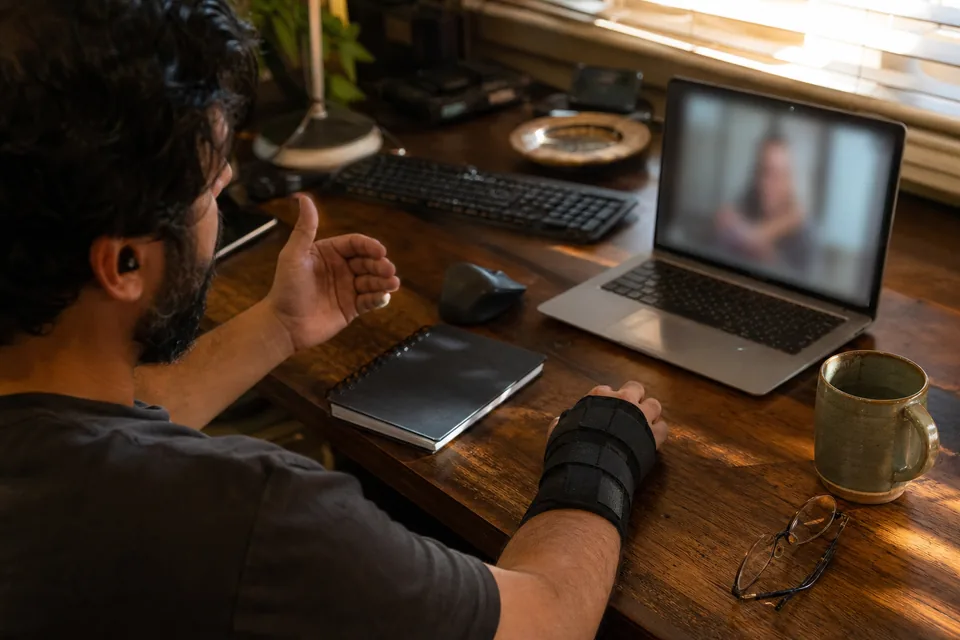
Dragon used a voice profile and training. VoiceTyping needs no voice training before you begin. Open the web app, allow the microphone and speak normally. A writer can start with a rough paragraph, while a consultant can dictate a project recap. You do not need to read training passages before finding out whether the output suits your work.
Rebuild your Dragon vocabulary with the terms you still use
Treat your old dictionary as a checklist, then re-add the names and specialist terms you need to VoiceTyping. This is a manual move, not a promised Dragon dictionary import. Personal holds 200 words and Pro holds 2,000. A lawyer might prioritize client names and recurring legal terminology, while a consultant might start with product names. Review unusual terms in the finished draft.
Correct yourself aloud and keep the final thought
Say "send the draft Friday, no, Thursday" and VoiceTyping applies the correction instead of leaving both versions in the text. It also removes ums and false starts. That helps when you know the substance of a message but need to talk through its wording. You can keep thinking without turning every change of mind into a separate editing task afterward.
Add punctuation without saying comma
VoiceTyping adds punctuation and paragraphs as it cleans your speech. You do not have to dictate every comma or period to make a readable draft. Pick Document for a longer passage or Notes for working material. Read the result before using it, especially where a sentence's structure affects the meaning of an instruction, agreement or client recommendation.
Change the tone without retyping the draft
Use "make it shorter" or "more formal" to reshape the result by voice. Email, Chat, Document and Notes provide different starting styles for the same working day. A consultant can draft a client reply in Email style, then shorten it before pasting. These are writing edits, not commands for opening applications or controlling the Mac desktop.
Know what happens to your recording
Audio is deleted right after transcription and never used for training. VoiceTyping processes speech online, so this is not local dictation. For confidential work, review the privacy and security details and your organization's rules before recording. You can switch text history off. Lawyers and other professionals should assess that workflow for the material they plan to dictate.
Switch from Dragon Dictate on your MacBook
- 01 Create your account and open VoiceTyping in Safari, Chrome or Edge on your MacBook. Allow microphone access. In Safari, choose File, then Add to Dock if you want a separate web app window.
- 02 Add the Chrome or Edge extension if you want cleaned text inserted into browser fields. For Apple Mail, Pages and Word desktop, plan to dictate in the VoiceTyping window and paste the result.
- 03 Re-add your important Dragon vocabulary to the personal dictionary. Choose Email, Chat, Document or Notes for the task. Start with a familiar piece of writing so you can judge the result against your usual workflow.
- 04 Record your draft, correct yourself aloud and review the cleaned text. Try "make it shorter" if needed. Paste into a desktop app, or use the extension to dictate directly into the web field where you are writing.
Compare Dragon for MacBook workflows before buying
Competitor prices and features are as published at the time of writing and may change, so confirm them on each vendor's site before you buy.
| VoiceTyping | Dragon Dictate for Mac v6 | Dragon Professional 16 (Windows) | Apple Dictation | Wispr Flow | Superwhisper | |
|---|---|---|---|---|---|---|
| Price | Personal 15 USD/month or 7 USD/month billed yearly | No longer sold | About 699 USD one time | Included with macOS at no extra cost | Pro 15 USD/month or 12 USD/month billed yearly | Pro 8.49 USD/month, 84.99 USD/year or 249.99 USD lifetime |
| Runs on current macOS | Yes, browser web app | Unsupported | Windows VM required | Built into macOS | Yes, native Mac app | Yes, native Mac app |
| Apple Silicon | Yes, through a current browser | Unsupported | Requires Windows VM, verify compatibility | Built into macOS | Yes | Yes |
| Cleanup of fillers | Yes, also false starts | Word for word | Word for word | Keeps fillers | Yes | AI modes on Pro |
| Voice command and control | No Mac control | Legacy Dragon commands | Windows desktop control | Separate macOS Voice Control feature | No full desktop control | No full desktop control |
| Types into any Mac app | No, web fields or copy and paste | Legacy Mac workflow, unsupported today | Windows apps in VM, not native Mac apps | Almost any Mac app | System wide | System wide |
| Needs voice training | No | Voice profile and training | Voice profile and training | No | No | No |
Choose VoiceTyping for cleaned browser writing. Choose Apple Dictation for short passages in Mac apps when word-for-word output is enough. Consider Wispr Flow for native, system-wide typing, or Superwhisper for a native Mac app with local models. If you depend on Dragon's desktop command and control, assess the Windows edition and VM requirements. VoiceTyping cannot replace that capability.
Compare the subscription with a Windows Dragon purchase
Personal includes 400 AI minutes per month. Pro includes 900 and a larger dictionary. Team includes 1,500 minutes per seat, from 3 seats, at 49 USD per seat monthly or 24 USD per seat per month billed yearly. Choose based on your recorded speech and vocabulary needs.
| Option | Payment basis | Cost over three years |
|---|---|---|
| VoiceTyping Personal | 84 USD per year | 252 USD |
| VoiceTyping Pro | 168 USD per year | 504 USD |
| Dragon Professional 16 | About 699 USD one time | About 699 USD, excluding any Windows or VM costs |
These subscription totals assume unchanged prices and continuous yearly billing. Pro is also available at 29 USD per month, and Personal at 15 USD per month. Dragon is a perpetual purchase; VoiceTyping is a continuing subscription. Compare the workflow as well as the price, since paying for Windows Dragon still leaves a Mac user needing Windows.
FAQ
Is Dragon still available for Mac?
No. Nuance discontinued Dragon Professional Individual for Mac version 6 on October 22, 2018, ending sales and further updates. Existing perpetual licenses keep working, but version 6 was not tested on macOS Mojave and later. It is unsupported on current macOS and Apple Silicon, so it is not a supported new purchase.
What replaced Dragon Dictate for Mac?
There is no current Mac edition of Dragon replacing Dragon Dictate. Alternatives include VoiceTyping for cleaned browser writing, Apple Dictation for basic dictation, Wispr Flow for system-wide Mac typing and Superwhisper for a native app with local models. VoiceTyping replaces drafting, but does not provide Dragon's desktop command and control.
Can I run Dragon NaturallySpeaking on a MacBook?
You need Windows in a virtual machine to run the current Dragon Professional 16 on a MacBook. Searching for Dragon NaturallySpeaking Mac does not lead to a supported native Mac edition. Check the Windows and VM requirements before purchasing, or choose a browser replacement if you mainly need to draft text.
Does Dragon work on Apple Silicon Macs?
Dragon for Mac version 6 is unsupported on Apple Silicon. The current Dragon Professional 16 is Windows software, so a Mac setup requires Windows in a virtual machine and a compatibility check. VoiceTyping runs through a current Safari, Chrome or Edge browser on Apple Silicon without a native Mac installation.
What is the best Dragon alternative for Mac?
VoiceTyping is a strong choice if you want cleaned drafts in a browser, spoken self-corrections and no voice training. Choose according to where you write. Wispr Flow suits system-wide Mac typing, Superwhisper offers local models, and Apple Dictation handles basic input. VoiceTyping is not suitable for controlling your Mac by voice.
How much does a Dragon for Mac replacement cost?
VoiceTyping Personal costs 15 USD monthly or 84 USD yearly, equivalent to 7 USD per month, with 400 AI minutes monthly. Pro costs 29 USD monthly or 168 USD yearly with 900 minutes. Dragon Professional 16 costs about 699 USD once and requires Windows. Competitor prices may change after publication.
Give your next Mac draft a cleaner start
Speak a real email or working paragraph into VoiceTyping and review the cleaned text against the way you used to dictate.