Talk to text app for messages that sound like you typed them
You talk to friends, coworkers and clients all day in short messages. VoiceTyping is a talk to text app that lets you say those messages out loud and send them as tidy, natural text. No stray "um", no run-on sentence, no capital letter missing at the start. It reads like you sat down and typed it.
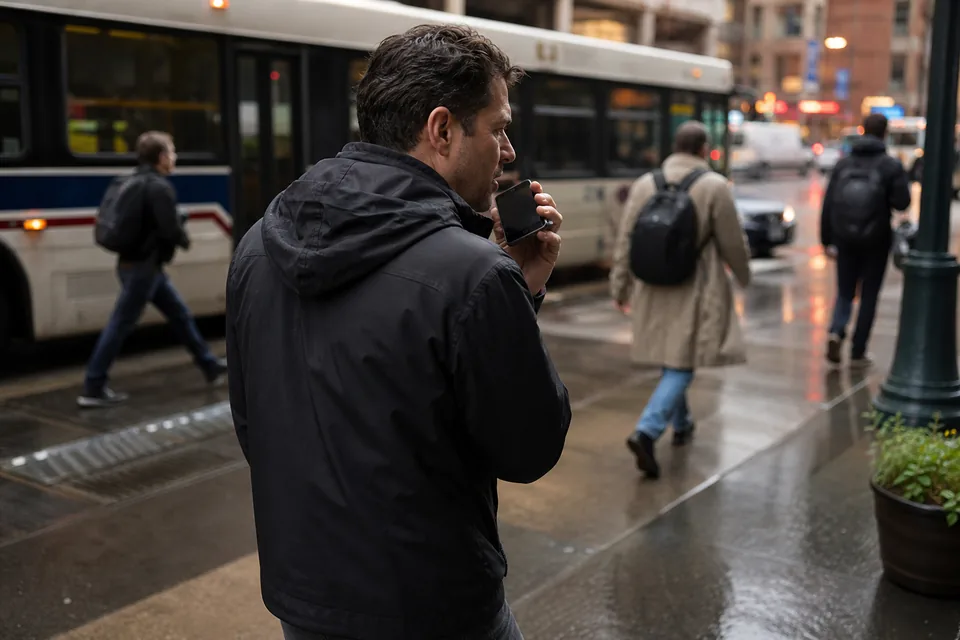
Talk casually, send it polished
Say it the way you would say it across the table. VoiceTyping keeps your words and your voice, and drops the noise around them. The result is short, clear and ready for the chat window.
Made for the messages you send fifty times a day
Replies, check-ins, quick updates, a heads-up that you are running late. These are the messages that eat your day when you type them with two thumbs. Talking them takes a few seconds.
| What you said | What VoiceTyping typed |
|---|---|
| hey um running like ten minutes late sorry traffic is uh crazy | Hey, running about 10 minutes late. Sorry, traffic is crazy. |
| yeah that works for me let's do the the Italian place at 7 | Yeah, that works for me. Let's do the Italian place at 7. |
| can you send me the uh link from yesterday the one for the shared folder | Can you send me the link to the shared folder from yesterday? |
| thanks so much for this really appreciate you jumping on it so fast | Thanks so much for this. Really appreciate you jumping on it so fast. |
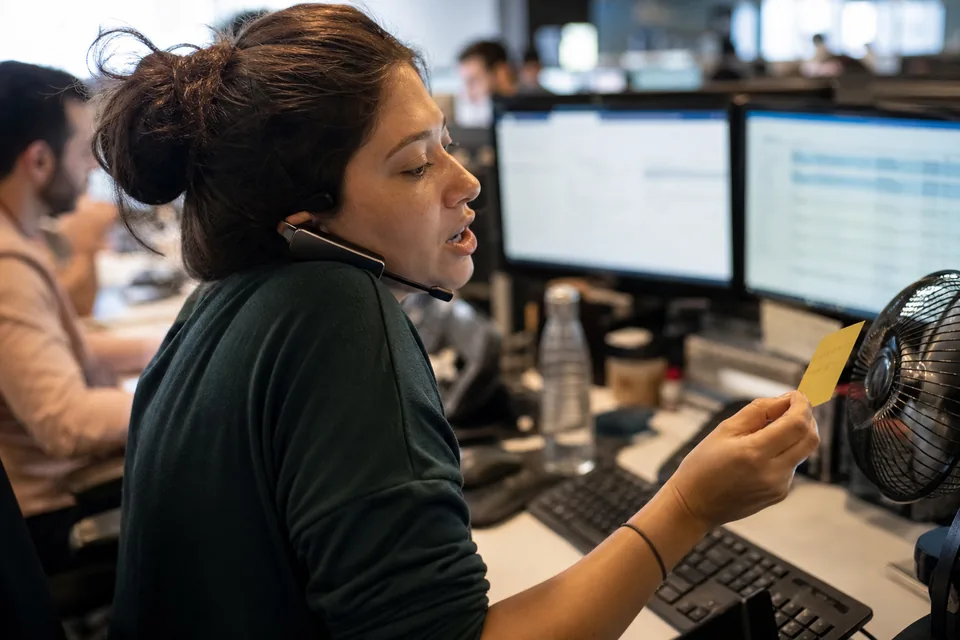
Your words, not a robot rewrite
VoiceTyping does not turn your message into corporate language. The Chat style keeps it short and casual, keeps your phrasing and your sense of humor, and only fixes what a quick typist would fix: punctuation, capitals, repeated words and false starts. Want it more formal for a client chat? Say "more formal" after you finish and it adjusts.
- Chat style keeps your casual tone
- "Make it shorter" trims a long reply
- "More formal" for a message to a client or your manager
- Snippets insert things you repeat, like your address or calendar link, when you say a short phrase
On your phone and at your desk
On iPhone and Android, add VoiceTyping to your home screen from the browser and it opens like an app. Tap the mic, talk, then tap Share to send the text to Messages, WhatsApp, Signal, Slack or any app that takes text. At your desk, the extension for Chrome and Edge adds a microphone to WhatsApp Web, Slack, LinkedIn messages, Gmail and any text box on the web, and types right where your cursor is.
- Phone: talk in the installed app, then Share or Copy
- Computer: the extension types into the message box directly
- One account across both, with the same snippets and dictionary
Step by step guides for each device are on voice to text on iPhone, voice to text on Android and voice to text for Windows.
Why not just use the mic on my keyboard
The keyboard mic is quick, and for a two word reply it is fine. The trouble starts with anything longer: it rarely adds commas, it types every "uh", it guesses at names, and when you correct yourself mid sentence it keeps both versions. VoiceTyping cleans all of that before the text reaches you.
| Keyboard mic | VoiceTyping |
|---|---|
| Types every filler | Drops fillers and repeats |
| Keeps both halves of a correction | Keeps only what you meant |
| Few commas, no paragraphs | Full punctuation and line breaks |
| Guesses names | Uses your dictionary |
For the full story of what happens to your words, see AI dictation.
When your hands are full
Carrying groceries, cooking, holding a kid, walking between meetings, or simply tired wrists at the end of a long day. Talking to send a message is easier on your hands than typing it, and the text still looks careful. People with RSI or wrist pain use voice to keep up with messages without hours on the keyboard.
Pick a plan that fits how much you talk
Personal is 15 USD a month, or 7 USD a month billed yearly (84 USD per year), with 400 AI minutes a month and a 40 minute daily cap. That covers a full day of messages for most people. Pro is 29 USD a month, or 14 USD a month billed yearly (168 USD per year), with 900 minutes. Team starts at 3 seats at 49 USD per seat a month, or 24 USD per seat billed yearly. Yearly saves 50%.
FAQ
Will my messages sound stiff or formal?
No. The Chat style keeps your casual tone and your own phrasing. It only fixes punctuation, capitals, fillers and false starts. You switch to a formal tone only when you ask for it.
Can I send the text straight into WhatsApp or iMessage?
On a phone, dictate in the installed VoiceTyping app and tap Share, then pick WhatsApp, Messages or any other app. On a computer, the extension types directly into WhatsApp Web and other message boxes in Chrome and Edge.
How long can one message be?
As long as you need, within your plan's daily cap. A quick reply takes a few seconds of your minutes, a long message a minute or two.
Does it understand emoji or slang?
It keeps slang and casual words as you say them. Emoji are left for you to add, so your message never gets an icon you did not choose.
Is anyone listening to my messages?
No. Audio is processed by speech recognition and language models to produce text, then deleted right after transcription. It is never used to train models, and your text is not sold.