Voice to text app that turns your voice into clean text on any device
VoiceTyping is a voice to text app that runs on your phone, laptop and desktop from one account. You talk the way you normally talk, and the app hands back text with the ums removed, punctuation in place and the tone set for where it is going. Copy it, share it or let the browser extension type it straight into the field you are working in.
One app, every screen you write on
Open VoiceTyping in Chrome, Edge, Safari or Firefox and it works right away. Add it to your Dock, Start menu or home screen and it opens like any other app, in its own window, with your styles, dictionary and history waiting.
- Works on Mac, Windows, Linux, ChromeOS, iPhone and Android
- Installs as a web app in two clicks, no store download
- Same account, same dictionary, same history on every device
Catch the thought before it is gone
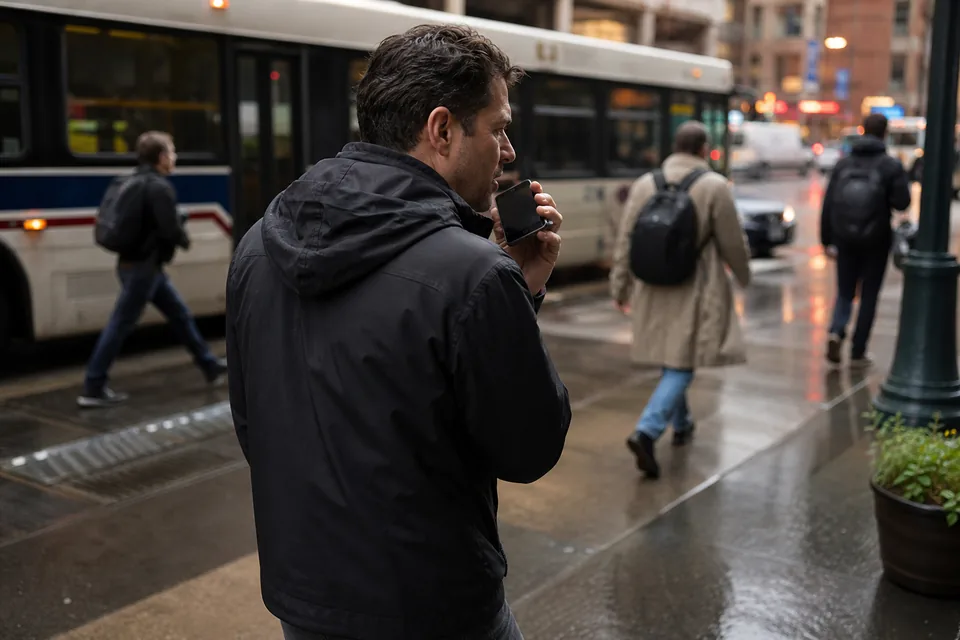
Most ideas show up away from the keyboard: walking to a meeting, waiting for coffee, right after a call. Tap the microphone, say it, and a clean paragraph is ready before you put the phone back in your pocket.
Hold to talk for a quick reply, or switch to toggle mode when you want both hands free for a longer note. When you stop, the text lands in the app with paragraphs and lists already sorted out.
- Hold to talk for short bursts
- Toggle mode for longer notes
- Insert the last result again with one shortcut
- Undo the last insert if you change your mind
Text you can send, not a transcript to fix
A plain voice to text app writes down every sound. VoiceTyping writes down what you meant. Here is the difference on a typical quick message.
| What you said | What VoiceTyping typed |
|---|---|
| um hey Sara so the the call is moved to uh Thursday at 2 no wait at 3 | Hi Sara, the call is moved to Thursday at 3. |
| ok so grab milk eggs and uh the coffee the dark one | Grab milk, eggs and the dark coffee. |
| reminder for myself um send Tom the deck before Friday like first thing | Reminder: send Tom the deck first thing before Friday. |
Built-in dictation types sounds, VoiceTyping types sentences
The microphone on your keyboard is fine for three words. For anything longer it leaves you with missing commas, a wall of text and the wrong spelling of names you use every day. VoiceTyping adds what the built-in option leaves out.
- Fillers, repeats and false starts removed
- Self-corrections applied, so "Tuesday, no, Wednesday" becomes "Wednesday"
- Your names, brands and jargon spelled right from your personal dictionary
- A style for each kind of writing: Email, Chat, Document or Notes
Read how the cleanup works on the AI dictation page, or compare options on speech to text software.
Your recordings do not stay with us
Audio is processed to produce your text and deleted right after transcription. It is never used to train models. Your text history is encrypted at rest, you can switch history off, and you can delete all of your data in one click. Details are on privacy and security.
Plans for every amount of talking
Personal costs 15 USD a month, or 7 USD a month billed yearly (84 USD per year), with 400 AI minutes a month. Pro costs 29 USD a month, or 14 USD a month billed yearly (168 USD per year), with 900 AI minutes a month. Team costs 49 USD per seat a month, or 24 USD per seat a month billed yearly, from 3 seats. Paying yearly saves 50%.
FAQ
Do I need to download anything from an app store?
No. VoiceTyping runs in your browser and installs as a web app from the browser menu with Add to Home Screen or Install. It opens in its own window like any other app on your phone or computer.
Can the app type straight into other apps on my phone?
On iPhone and Android you dictate inside the installed VoiceTyping app, then tap Copy or Share to send the clean text to any app. On a computer, the extension for Chrome and Edge types directly into text fields on the web.
Does it work on my laptop and my phone with one account?
Yes. Sign in on each device with the same account and your styles, dictionary, snippets and history follow you.
Which languages can I speak?
English, Spanish, French, German, Portuguese, Italian, Polish, Dutch and more. VoiceTyping detects the language automatically, so you can switch between them without changing a setting.
Can I try it before I pay?
Yes. The recorder on the home page cleans up one short recording without an account, and no card is needed to try it.
Say it once and send it
Talk for fifteen seconds and see what clean voice to text looks like on your own words.